SEO for Restaurants: How to Get Found on Google and Maps
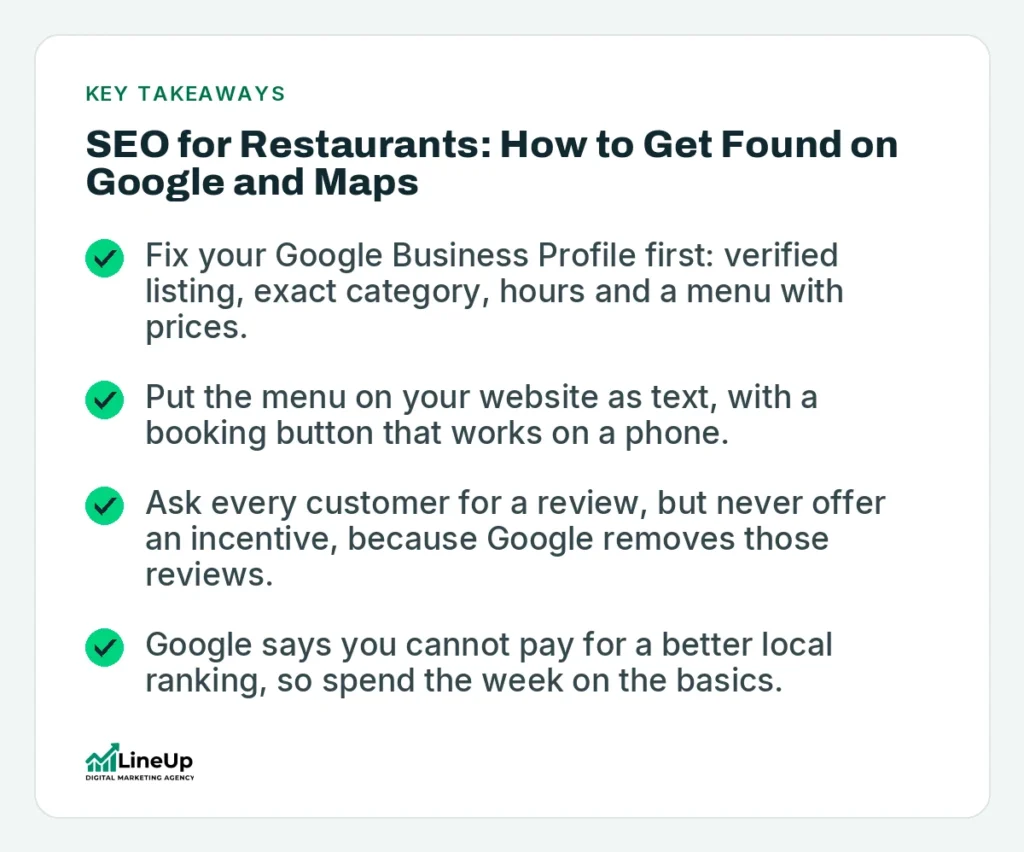
- Fix your Google Business Profile first: verified listing, exact category, hours and a menu with prices.
- Put the menu on your website as text, with a booking button that works on a phone.
- Ask every customer for a review, but never offer an incentive, because Google removes those reviews.
- Google says you cannot pay for a better local ranking, so spend the week on the basics.
 Ekrem Abdulkerim
27/10/2026
9 min read
Ekrem Abdulkerim
27/10/2026
9 min read
SEO for restaurants comes down to three places: your Google Business Profile, a website that answers the questions hungry people type, and a steady flow of genuine reviews. Many diners find a restaurant in the Google Maps or local results and never open a second tab. If your listing is thin or your menu is a PDF, you lose that table to the place next door.
You can get the basics right in a week. This guide gives you the order to do it in, what Google says about each step, and what to leave for later. It is written for owners and managers, not for people who enjoy reading about algorithms.
How Google decides which restaurants to show
For local searches such as “italian restaurant near me”, Google says results are based mainly on relevance, distance and prominence. Relevance is how well your profile matches the search. Distance is how far you are from the person searching. Prominence is how well known you are, which Google ties to links from other websites and to the number of reviews you have. Google’s help page on improving your local ranking also says more reviews and positive ratings can help, and that there is no way to pay for a better local ranking.
You cannot change distance. You can change the other two. Relevance comes from a complete profile and a website that says clearly what you serve and where. Prominence comes from reviews, local press and mentions, and links from sites people actually read, such as city guides and food blogs.
If you want the full picture of how the map results work, our guide to what local SEO is covers it in more depth.
Step 1: Claim and finish your Google Business Profile
This is the highest-value hour of the week. Verify the profile first. Google’s reply-to-reviews page states you must verify your business before you can respond to reviews, and the same applies to most edits.
Get the basics exactly right
Use your real trading name, with no extra keywords added. Pick the most specific primary category, for example “Italian restaurant” rather than just “Restaurant”. Add secondary categories only if they are true, such as “Cocktail bar” or “Takeaway”. Check the address pin, phone number, opening hours and any special hours for bank holidays.
Add your menu inside the profile
Google lets restaurants list menu items with descriptions and prices directly on the profile, grouped into sections. Its menu help page says changes can take 24 to 48 hours to show on Maps and Search. It also notes that if your menu comes from a third-party provider or the Business Profile API, you may not see the editor.
Photos and posts
Upload real photos: the dining room, the front door, the food, the bar. People use the exterior shot to find you when they arrive. Skip stock images. Add a short post when you change the menu or run an event, so the profile shows recent activity.
Step 2: Build a website that answers the questions diners ask
Your profile gets people to your door. Your website helps Google understand what you are and gives undecided customers a reason to book. Most restaurant sites we see fail in the same few ways: the menu is a PDF, the address is a picture, and the home page says nothing about the neighbourhood.
The pages that matter
- A home page with your cuisine, your area and a clear booking or call button.
- A menu page written as normal text on the page, not locked in an image or PDF.
- A contact and location page with the full address, opening hours, parking or transport notes and an embedded map.
- A page for each thing people search for separately: private dining, group bookings, brunch, catering, a tasting menu.
Write each page for one search. A page about private dining should answer how many people you seat, what the minimum spend is, and how to enquire. If you do not have that information on the page, a customer will ring your competitor instead.
Speed on a phone
Many diners will open your site on a mobile connection, standing in the street. Compress photos before uploading, avoid autoplay video on the home page and test the booking button with one thumb. If you are rebuilding the site, our web design and development team can do this properly from the start.
Step 3: Add structured data that matches your pages
Structured data is code that tells search engines the facts on a page in a standard format. Google’s local business structured data guide lists name and address as required, and recommends opening hours, a menu URL, cuisine type, telephone, price range and geo coordinates. It also says Google does not guarantee that any feature using the data will appear in results.
So treat it as housekeeping, not a growth hack. Add it once, make sure it matches what the page says, and move on. Your developer or website platform may already output some of it. Check the page with Google’s Rich Results Test before assuming it works.
Step 4: Get reviews the right way
Reviews affect both ranking and whether someone clicks. The cheapest way to get more is to ask every customer who enjoyed the meal, at a natural moment. Google’s help page on reading and replying to reviews suggests sharing a review link or QR code, which you can print on a receipt or table card.
What Google does not allow
The Maps user contributed content policy says fake engagement is removed. It names paid reviews, reviews given in return for an incentive from a business, and merchants who discourage negative reviews or selectively ask for positive ones. It also says you should not pressure customers to leave ratings while on the premises.
That rules out a free dessert for a five-star review, and it rules out asking only the happy tables. It also rules out staff reviewing their own restaurant.
Reply to every review
Reply to praise briefly and by name where you can. Reply to complaints calmly, state what you will check, and offer an email address or phone number to continue offline. Google notifies the reviewer when you reply. Future customers read the replies as closely as the reviews.
Step 5: Make reservations and ordering one click away
If someone has decided to eat at your restaurant, every extra step loses a booking. Put your booking link on the profile, on the home page and in the header of every page. Use the same phone number everywhere. If you take orders for delivery or collection, link to your own ordering page where you can, because aggregator platforms often charge a commission and keep the customer relationship.
Check on your own phone what a stranger sees. Search your restaurant name, tap the listing, and try to book. If it takes more than three taps, shorten it.
A one-week plan for a restaurant owner
| Day | Task | Time |
|---|---|---|
| Monday | Verify the Business Profile, fix name, category, hours and address | 1 hour |
| Tuesday | Add the full menu to the profile and upload 15 to 20 fresh photos | 2 hours |
| Wednesday | Rewrite the website menu page as plain text with prices | 2 hours |
| Thursday | Add or fix booking links, location page and structured data | 2 hours |
| Friday | Print a review QR code for tables and receipts; reply to all open reviews | 1 hour |
What to leave for later
Do not start with a blog, a content calendar or a link-building campaign. Those matter once the profile and website are solid. After that, the next steps are local mentions in city guides, a seasonal content page such as Christmas party bookings, and measuring which searches bring calls and bookings. Our guide to Google Maps ranking for European businesses goes into those next steps.
If you run several restaurants, give each its own profile and its own location page. Do not use one page for all sites.
Frequently asked questions
How long does SEO for a restaurant take to work?
Changes to a Google Business Profile, such as a menu update, can appear within 24 to 48 hours according to Google. Rankings for competitive searches usually take longer and depend on your area, your competitors and your review count. Expect to see movement in weeks, not days.
Do I need a website if I have a Google Business Profile?
Yes. The profile gets you into the map results, but your website explains what you do, holds your menu, takes bookings and gives Google more information about you. A restaurant with both will usually beat one with only a profile.
Should I put my menu on the website as a PDF?
Put it on the page as text. A PDF is harder to read on a phone and harder for search engines to use. You can offer a PDF as an extra download for people who want to print it.
Can I pay Google to rank higher in Maps?
No. Google’s help page states there is no way to request or pay for a better local ranking. You can run Google Ads separately, but that is advertising and not the local ranking.
Is it allowed to offer a discount for a Google review?
No. Google’s contributed content policy says reviews posted because of an incentive from a business are removed, and it lists offering incentives for reviews as a violation. Ask every customer politely and leave it there.
Want a second pair of eyes on your listing?
If you would rather have someone check your Business Profile, menu pages and reviews for you, get in touch with LineUp. We will tell you what to fix first and what can wait.
Ekrem Abdulkerim
SEO Strategist and Founder of LineUp. I help brands dominate search through technical precision and measurable growth.
Stay Ahead of the Curve
Get the latest SEO strategies and marketing insights delivered to your inbox.
Ready to dominate search?
See how LineUp helps businesses win on Google, drive organic traffic and turn it into leads.