

The short version
- A social media content plan can be built in 90 minutes: 30 to plan, 45 to create, 15 to schedule.
- Start with 3-5 content pillars so every post has a purpose.
- Batch captions and visuals in separate sessions, then schedule the whole month.
- Scheduling publishes posts, so still reply to comments and messages each day.
A social media content plan is a written schedule of what you will post, on which platform and when, built around a few fixed themes. You can build a month of it in 90 minutes: 30 minutes to plan, 45 to write and prepare, 15 to schedule.
Most businesses post when they remember to, which is why feeds go quiet for two weeks and then flood. A plan removes the daily decision about what to post. You make that decision once a month, with a timer running.
The method has three sprints. The 30-minute strategy sprint turns your themes into post ideas. The 45-minute creation sprint batches captions and visuals. The 15-minute scheduling sprint loads everything into a scheduler. Before the clock starts, you need your content pillars.
Show the numbers
| Strategy sprint | 30 min |
| Creation sprint | 45 min |
| Scheduling sprint | 15 min |
What are content pillars and why do you need them first?
Content pillars are the 3-5 broad themes your business posts about, such as customer questions, behind-the-scenes work and results. They give every post a clear job, stop your feed becoming random and make it obvious to followers what you are about. Define them once, then reuse them for months.
Buffer suggests starting with 2-4 content pillars drawn from your brand values, audience interests and analytics, then testing which ones resonate. We usually land on three, because a small business rarely has the capacity to do five well. If you have more than five, you have topics, not pillars.
Pillars turn “What should I post today?” into “Which pillar is due?”, a much easier question on a Tuesday afternoon.
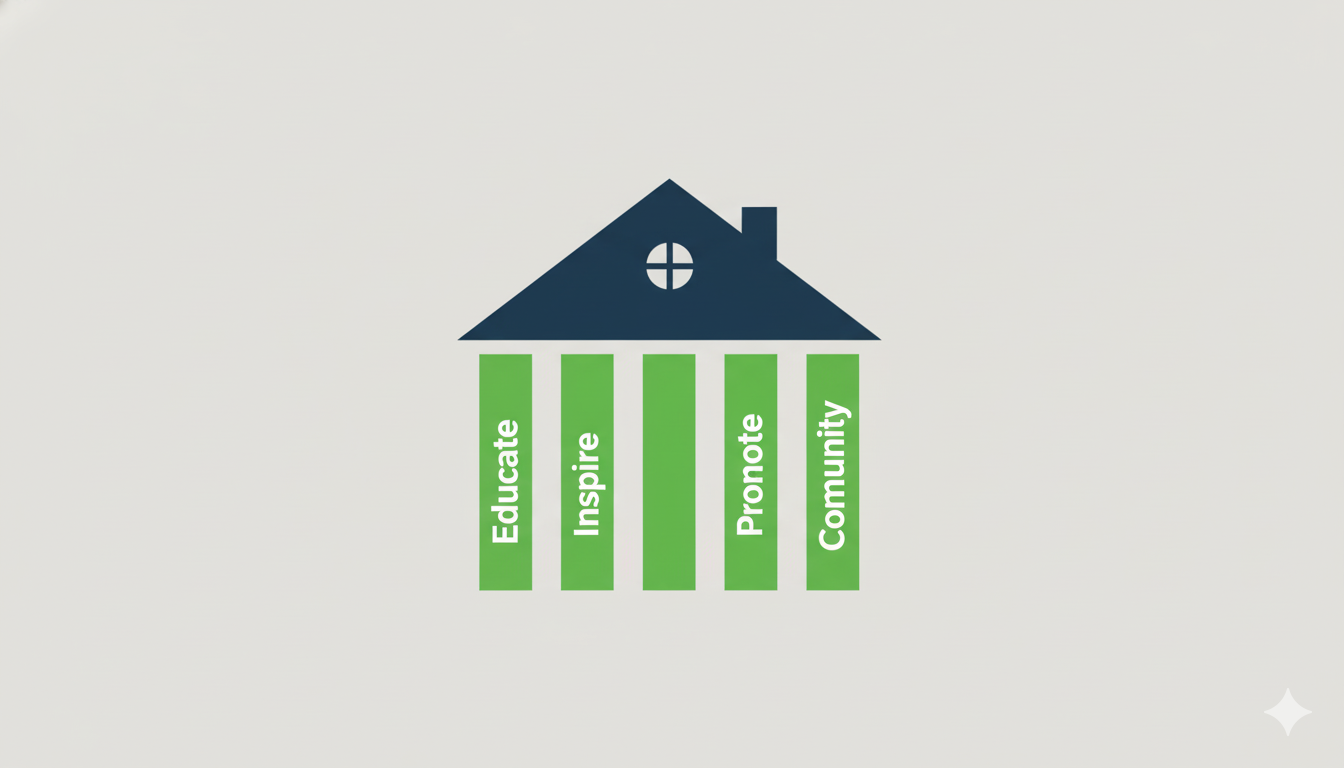
How to find your pillars
- List your customers’ problems. Ignore your product for now. Write down the questions, fears and goals your customers mention in sales calls, reviews and emails.
- List what you know that they do not. Include how you work and why, not just what you sell.
- Group the overlaps. Where a customer problem meets your expertise, you have a pillar. Name each in two or three words.
Property businesses can see pillars applied in our guide to social media for estate agents.
Sprint 1: the 30-minute strategy sprint
Set a timer for 30 minutes. The aim is a surplus of ideas, then a calendar. Do no writing or design yet. Keeping the idea phase separate from the creation phase stops you stalling over wording while you are still choosing topics.
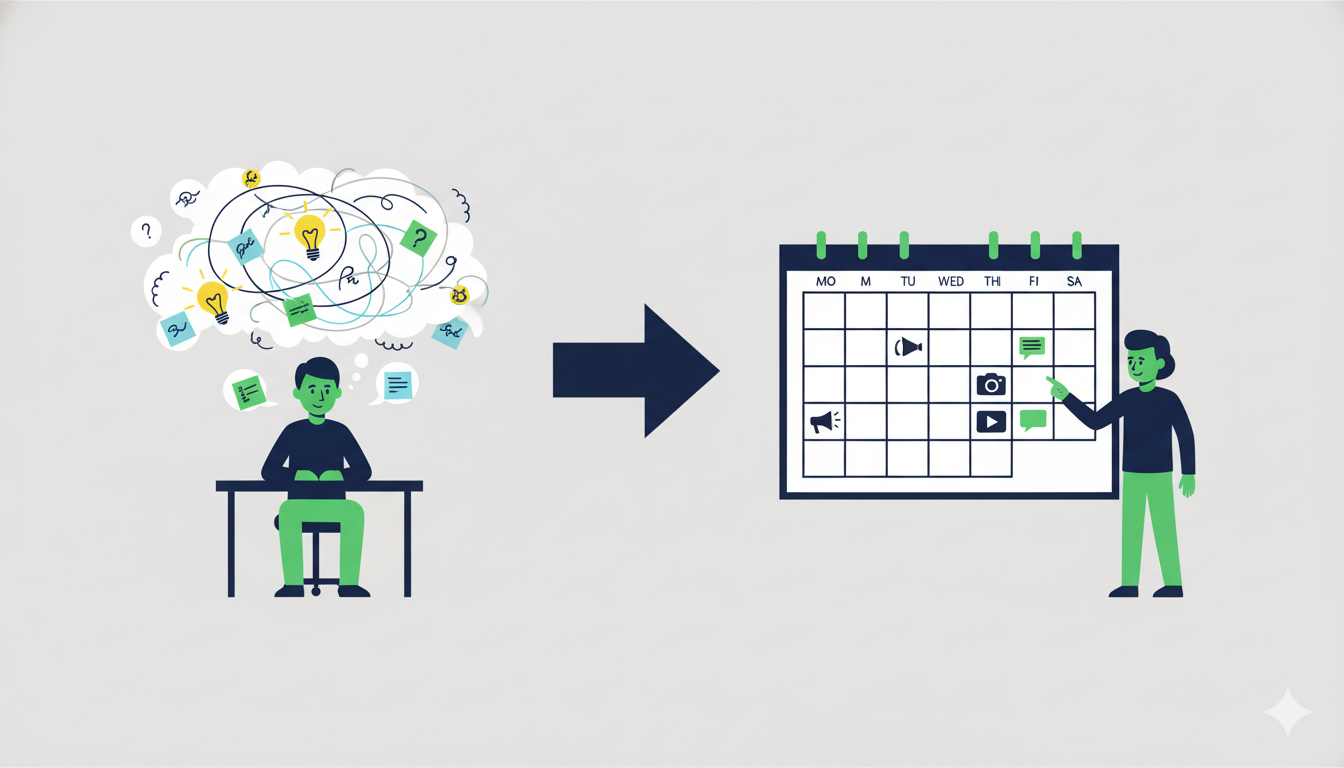
From brainstorm to calendar
Spend the first 15 minutes writing 5-10 post ideas under each pillar. Use the rest to place them in a calendar, rotating through your pillars so no theme dominates. A spreadsheet is enough. Search Engine Journal says a calendar should track the platform, publish date and time, and assets for each post, so give yours those columns, plus one for the pillar.
Metricool recommends building the calendar around a weekly posting rhythm. Pick a rhythm you can keep up. Three posts a week for a year beat daily posts for three weeks.
Not sure where you rank?
We’ll check your map position, your Google profile and your listings, and send you what to fix first. Free, no obligation.
Sprint 2: the 45-minute creation sprint
Set a timer for 45 minutes. Content batching means doing one type of task for many posts in one sitting, so your brain stays in a single mode. Aim for finished drafts, not polish.

From our work: When we produced 47 pieces of content for a restaurant launch, the work only ran smoothly because the look and the themes were agreed before anything was made. You can read how it went in the Bon Tacos case study. Planning first and producing second saves more time than any tool.
Phase A: caption blitz (25 minutes)
Open your calendar and draft a caption for every post. Use a simple formula: a hook, one useful point and a call to action. Leave hashtags for later.
Phase B: visual shot list (20 minutes)
Go through the calendar again and note the visual each post needs: a photo to take, a template to fill, a short video to film. Group similar shots so one session covers many posts.
Planned posts often point people to your site, so make sure it holds up. Our guide to critical technical SEO errors covers the common faults.
Sprint 3: the 15-minute scheduling sprint
Set a timer for 15 minutes. You now load the drafts into a scheduler, so posts go out without you.
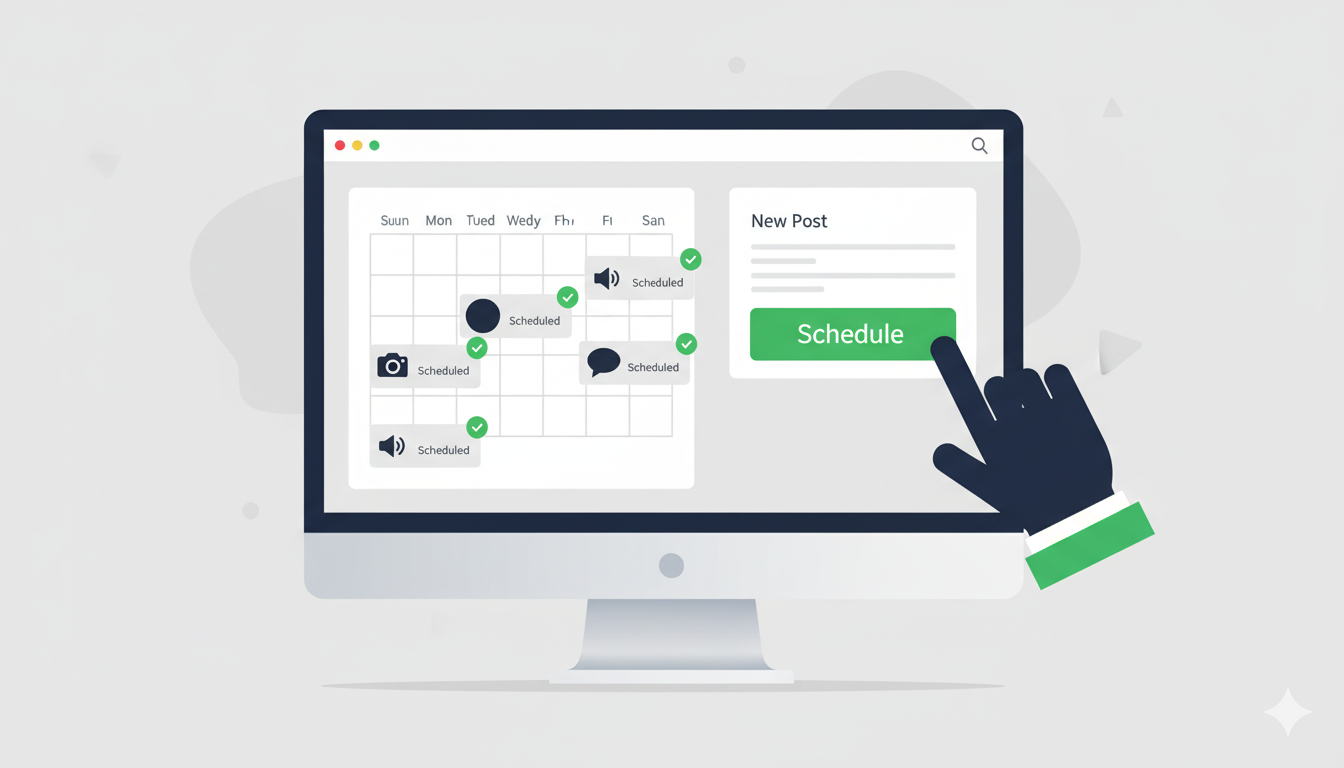
How do you schedule social media posts in bulk?
Open a scheduler, copy each caption in, attach its visual, add hashtags and set the date and time from your calendar. Meta Business Suite handles Facebook and Instagram, while tools such as Buffer or Hootsuite cover other platforms. Repeat until the month is loaded.
- Open your scheduler and your content calendar side by side.
- Paste the draft caption.
- Upload the visual.
- Add hashtags.
- Choose the date and time and click Schedule.
- Repeat until the month is loaded.
What should you do after the month is scheduled?
At the end of each month, spend 15 minutes checking which posts drew the most saves, replies and clicks, then adjust next month’s pillar mix. Metricool suggests reviewing goals and KPIs monthly or quarterly. Keep what worked, drop what did not.
The next plan then takes less time, because your pillars and caption formula already exist. For content that goes beyond social posts, our content marketing service page explains the wider approach.
Frequently asked questions
You can build a month of posts in about 90 minutes once your content pillars are defined: 30 minutes for ideas and the calendar, 45 for captions and shot lists, and 15 for scheduling. Defining pillars the first time adds roughly an hour, and you only do it once.
Most small businesses do best with three to five pillars. Buffer recommends starting with two to four, then testing which resonate with your audience. Fewer pillars keep your feed focused and make planning faster, while more than five usually means you are listing topics rather than themes.
Post as often as you can keep up for a year. Metricool advises a weekly rhythm built around your calendar, and for many small businesses that means two to four posts a week per platform. Consistency matters more than volume, so choose a number you can sustain.
Content batching means doing the same kind of task for many posts in one sitting, for example writing 12 captions in a row, then preparing every visual in a second session. It reduces switching between tasks and lets you prepare weeks of posts at once.
Use Meta Business Suite for Facebook and Instagram, since it is free, and a tool such as Buffer or Hootsuite if you post to other platforms. Pick the one that supports every platform you use, because a single scheduler is easier to keep up than three.
Get a plan that runs without you
If you want help building the pillars, the calendar and the content itself, contact LineUp and tell us which platforms you use.

Search, ads and video for businesses that want more customers. Every guide is based on what we see in client accounts. See our services